
Welcome to Hnry! We’re stoked to have you on board.
Now that you’re up and running, there are a few things we recommend doing to really get your 1% fee’s worth. Here are five simple tips to help you make the most of Hnry.
1. List your income outside Hnry
When you first join Hnry, we’ll need an estimate of all your income – including non-sole-trader income – to begin calculating your taxes.
Don’t worry if you don’t have an exact figure – an estimate is enough to help us get started.
And remember, if your situation changes down the track, just let the Hnry team know.
2. Get paid into your Hnry Account
If you haven’t already, get paid into your Hnry Account!
The easiest way to get paid into Hnry is by invoicing your clients through the Hnry App. If you don’t generally invoice your clients, you can still manually send them your Hnry Account details.
Every time you’re paid into your Hnry Account, we automatically calculate, deduct, and pay any income tax, Medicare levy, and student loan repayments you may owe on that amount. The rest we forward to your bank account straight away – yours to spend as you like!
3. Automate expense claims with the Hnry Business Mastercard
When you make a purchase with your Hnry Business Mastercard, it automatically raises an expense in the Hnry App.
From there, all you need to do is add a few extra details, upload a photo of your receipt, and hit “Submit”. It’s the easiest way to stay on top of your expenses!
4. Raise expenses as you go
If, for whatever reason, the Hnry Business Mastercard is not for you, no worries! You can still raise expenses manually.
It’s as simple as:
- Creating a new expense under the “Expenses” tab
- Filling in a few details
- Uploading a photo of your receipt
- Hitting “Submit”.
Sorted!
5. Track your mileage with Mileage by Hnry
Mileage by Hnry records and logs your work trips, so you can export and raise your vehicle expenses in the Hnry App.
Once you’ve enabled the right permissions, it whirs away in the background, logging your trips, ready for you to review.
If you’re not keen on automatic tracking, you also have the option to manually enter your trips.
Then, when you’re ready, you can export your records to the Hnry App to raise as an expense. One less admin job to think about – and one more way to make sure you’re claiming every valid expense.
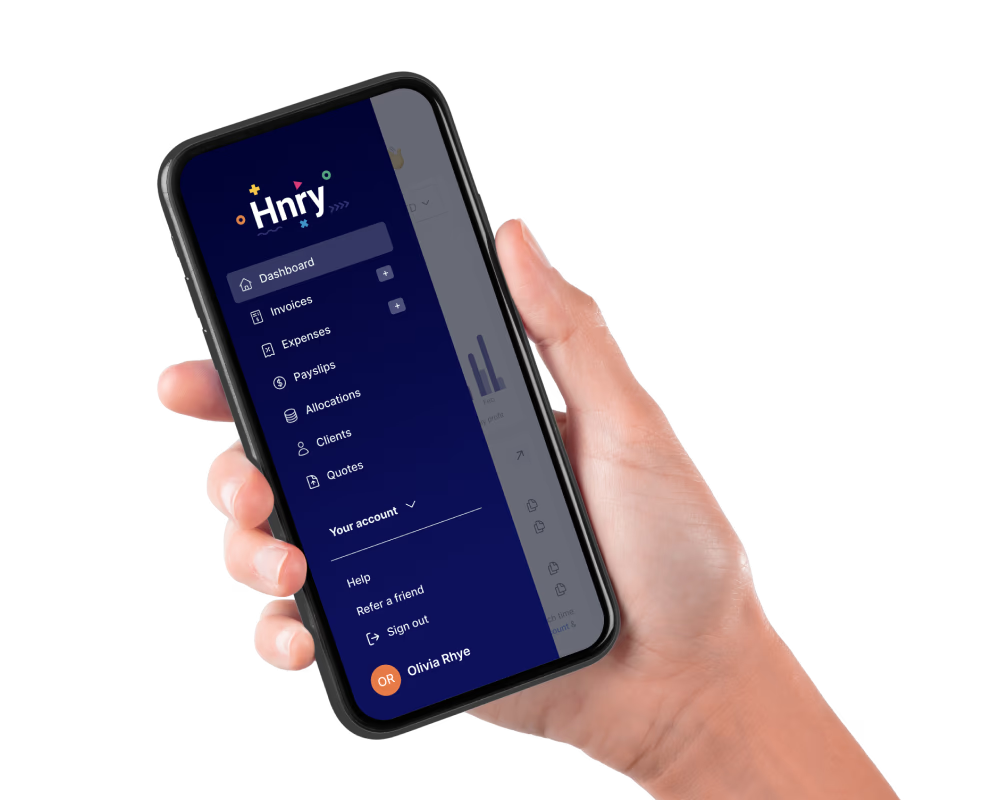
About Hnry
Hnry is an award-winning app and tax service designed to help sole traders with their financial admin.
For just 1% +GST of your self-employed income, capped at $1,500 +GST a year, Hnry will calculate and pay all your taxes, levies and whatnot for you, including:
We also complete and lodge your tax return for you, including claiming any tax relief you might be entitled to. It’s all part of the service!
More importantly, we free up thousands of hours for sole traders to focus more on what they do best – their jobs. Hnry is on a mission to make being a sole trader simple, affordable, and accessible for anyone.